10 Best AI Skills to Use with Granola
Turn your Granola meeting notes into customer handoffs, feedback digests, decision logs and more—with ready-to-use skills and example prompts.
By type.com Team
What can you do with Granola meeting notes in Type?
A customer asks for the same feature on three different calls. A sales rep promises something the onboarding team hasn’t heard about. A decision changes, but the old plan keeps circulating.
The details are in the meeting notes. The next job is pulling them together into something the team can use.
Granola’s MCP connection makes meeting context available to other AI tools. Type adds reusable skills: workflows with instructions, scripts and examples for a particular job.
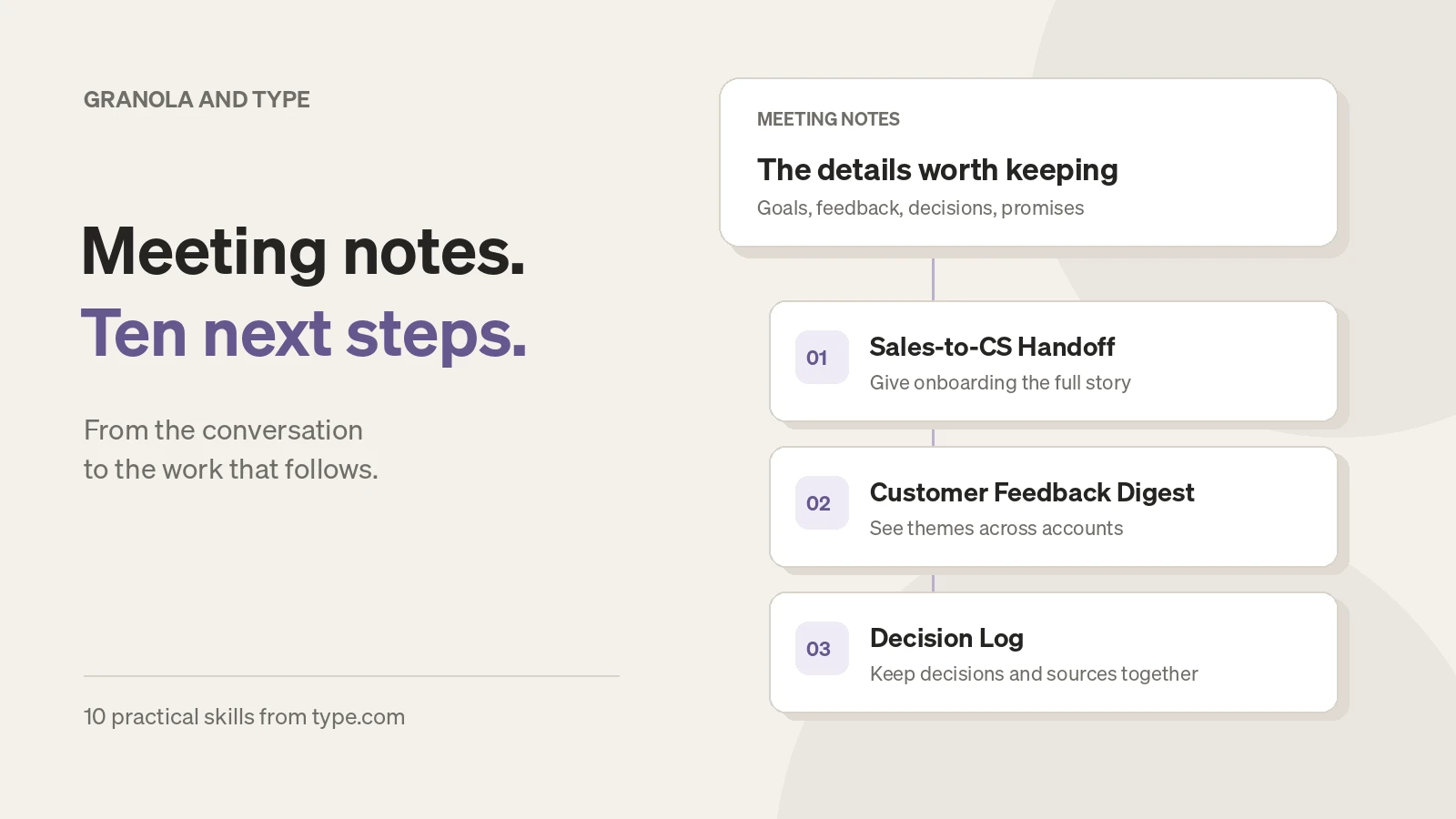
We’ve published ten skills that work with Granola, covering sales, customer success, product, research, hiring and team operations. They turn meeting notes into handoffs, digests, agendas and drafts, with links back to the source material.
Here’s where each one fits.
1. How do you give customer success the full story before kickoff?
By the time a deal closes, its history can be spread across discovery calls, demos, commercial discussions and a final negotiation. The person running onboarding needs to know what the customer wants, who matters and what was promised.
Sales-to-CS Handoff brings that history together with the available deal records. It covers goals, stakeholders, timelines and commitments, and flags conflicting terms or promises that don’t appear in the supplied contract.
A discount mentioned on an early call and a different discount agreed later become something to resolve before kickoff. The handoff can also become a draft CRM note or CS update for review.
Try it
Use Sales-to-CS Handoff for this closed-won account. Read the available Granola sales calls and deal records, and flag anything we need to resolve before onboarding.
2. How do you turn customer calls into a product feedback digest?
Five mentions from one enthusiastic customer can sound like a trend. Five different accounts asking for the same thing tell you something else.
Customer Feedback Digest groups feature requests, bugs and objections by theme and distinct account. It shows what is new, growing or quieter than the previous digest, alongside source excerpts and gaps in the calls it could read.
With your issue tracker connected, it can match themes to existing issues and prepare new issue drafts for approval. Product gets a weekly view of customer conversations with the evidence close at hand.
Try it
Use Customer Feedback Digest on last week’s Granola customer calls. Count distinct accounts, check for existing Linear issues and draft the digest for review.
3. How do you find the gaps in a deal before the next call?
A CRM field can say “champion identified” even when the customer has never confirmed that person’s role.
Deal Qualification Scorecard checks call evidence against MEDDICC, MEDDPICC, BANT or SPICED. It distinguishes supported answers from partial, missing or contradictory evidence, and highlights claims only the seller has made.
It also surfaces stale information and disagreements between the CRM and the calls. The result is a coverage checklist with questions for the next conversation. It measures the evidence you have for the deal.
Try it
Use Deal Qualification Scorecard on this opportunity with MEDDICC. Compare the Granola calls with the CRM, then give me the most important unanswered questions.
4. Why are deals being won or lost?
The CRM might say “price.” The customer’s call may explain that they couldn’t justify the value, couldn’t get budget approved or chose a cheaper competitor. Those call for different responses.
Win/Loss Analysis combines closed-deal outcomes with customer-call evidence to group reasons and competitor comparisons.
It counts distinct deals, so repeated conversations about one opportunity don’t inflate a theme. It also flags conflicting evidence and deals without call coverage, and uses counts instead of percentages for small groups.
Try it
Use Win/Loss Analysis on last quarter’s closed deals and their Granola calls. Separate competitive losses from no-decision outcomes, and show the evidence behind each theme.
5. How do you keep track of what was actually decided?
A proposal in one meeting can turn into an assumed decision by the next. A real decision can also be reversed without everyone hearing about it.
Decision Log builds a running record of decisions, their sources, owners and revisit dates. Open proposals stay separate. When a later decision reverses an earlier one, the log links both meetings and flags possible conflicts.
Use it for recurring leadership, pricing or project meetings where the history matters as much as the latest answer.
Try it
Use Decision Log on our recent Granola project meetings. Show new decisions, reversals, open proposals and anything that still needs an owner.
6. How do you follow up on promises made in meetings?
“I’ll send that tomorrow” is easy to say and easy to lose.
Commitment Tracker collects promises across meetings and separates what your team owes from what customers or partners owe you. It groups items into overdue, due soon, undated and newly completed work.
With the relevant tools connected, it checks email, Slack, trackers, calendars and later meetings for completion evidence. An email sent after a call may suggest something is done; if the promised attachment isn’t confirmed, the tracker can leave it as “likely done” for you to check.
Try it
Use Commitment Tracker for this week’s Granola meetings. Check the available follow-up evidence and show overdue promises, likely completions and what we’re waiting on.
7. What should you bring back to the next 1:1?
The most useful agenda often starts with last week’s unfinished conversation: a recurring blocker, feedback you promised or a question you haven’t answered.
1:1 Prep uses previous meetings to build a work-focused agenda, with commitments in both directions and links to the source notes.
It brings unresolved topics back into view and checks available evidence of progress. The output is private preparation to review before sharing. It withholds detected sensitive material; review the draft yourself for personal details the filtering may have missed.
Try it
Use 1:1 Prep for my next meeting with this direct report. Start with their unresolved work topics, then include my overdue promises and feedback I said I’d provide. Keep it private.
8. How do you make interview debriefs easier to compare?
When interviewers use different criteria—or discuss a candidate before recording their own assessment—the debrief can become difficult to interpret.
Interview Scorecard organizes source-linked work observations against your approved hiring rubric. Interviewers enter their own ratings. A panel view compares filed ratings, highlights disagreements and shows competencies nobody assessed.
Raw interview prose stays in the source notes; exports use structured work observations and source references. The hiring team still needs to review the original sources and make the decision; the skill leaves the recommendation to them.
Try it
Use Interview Scorecard with our approved role rubric and these Granola interview notes. Prepare source-linked work observations and gaps for each interviewer to review and rate independently.
9. How do you turn research interviews into traceable findings?
A memorable quote is useful. It doesn’t tell you how common an experience is across the study.
User Research Synthesis organizes interview evidence by research question, counting distinct participants who support or contradict each finding. It keeps isolated signals visible and identifies questions the study hasn’t answered.
The workflow uses participant consent status, pseudonymous labels and source links. It also separates observations from broader claims about prevalence. You get findings and opportunities to discuss, plus insight cards you can export to a research repository.
Try it
Use User Research Synthesis for our Granola onboarding interviews. Organize findings by these research questions, use the supplied consent records and show contradictory evidence as well as supporting examples.
10. How do you draft an investor update from the month’s work?
The monthly update needs more than a list of meetings. It needs the numbers, what changed, what went wrong and where investors can help.
Investor Update Drafter combines meeting notes with sourced metrics to prepare highlights, lowlights, customer and product updates, commitments and asks.
Metric changes are calculated from the supplied data, with source dates included. Missing evidence and unsupported or qualified forecasts are flagged or withheld for review. You review the figures, wording and confidentiality before sharing; an optional Gmail draft is never sent by the skill.
Try it
Use Investor Update Drafter for this month. Combine our Granola meetings with the attached metrics, include lowlights and specific asks, and flag anything I need to verify before sending.
How do you get started?
Choose the job you already do every week, then give it a clear scope.
- 1
Open the skill’s listing
Read its requirements and sample output, then add it to Type.
- 2
Connect the sources it needs
Make your Granola connection available in the relevant Type Space. Add a CRM, tracker, email account or metrics source where the workflow calls for one.
- 3
Run it on a small set of meetings
Name the account, project, person or date range. Supply the rubric, research questions, consent records or metrics where needed.
- 4
Review the result against its sources
Check important quotes, missing meetings, sensitive details and proposed follow-up actions before sharing or approving writes.
Can these workflows run on a schedule?
Yes. Set up a schedule after you have run and reviewed the workflow on a small set of meetings.
Type’s connection guide explains account access and Space assignment.
For recurring work, you can then configure a schedule in Type. A weekly customer feedback digest or commitment review is a useful starting point. Choose the time zone, destination and approval rules explicitly; installing a skill doesn’t start an automation.
Granola holds the conversations. These skills give you a repeatable way to carry the useful parts into the next piece of work.
Frequently asked questions
What do I need to use these Granola workflows?
Add the skill to Type and make your Granola connection available in the relevant Space. Each listing explains any additional sources, such as a CRM, issue tracker, hiring rubric, consent records or metrics.
Does adding a skill automatically schedule it?
No. Start with a scoped run and review the output. For recurring work, configure a schedule with a time zone, destination and approval rules.
Can I review the results before they are shared?
Yes. The workflows prepare outputs for review and require approval for external writes. Check the source references, sensitive details and proposed actions before sharing. Interview ratings and hiring decisions remain with the interviewers.