


Connect type.com to Slack
Give your team access to each space's shared context, skills, and automations in the Slack channels they already use.
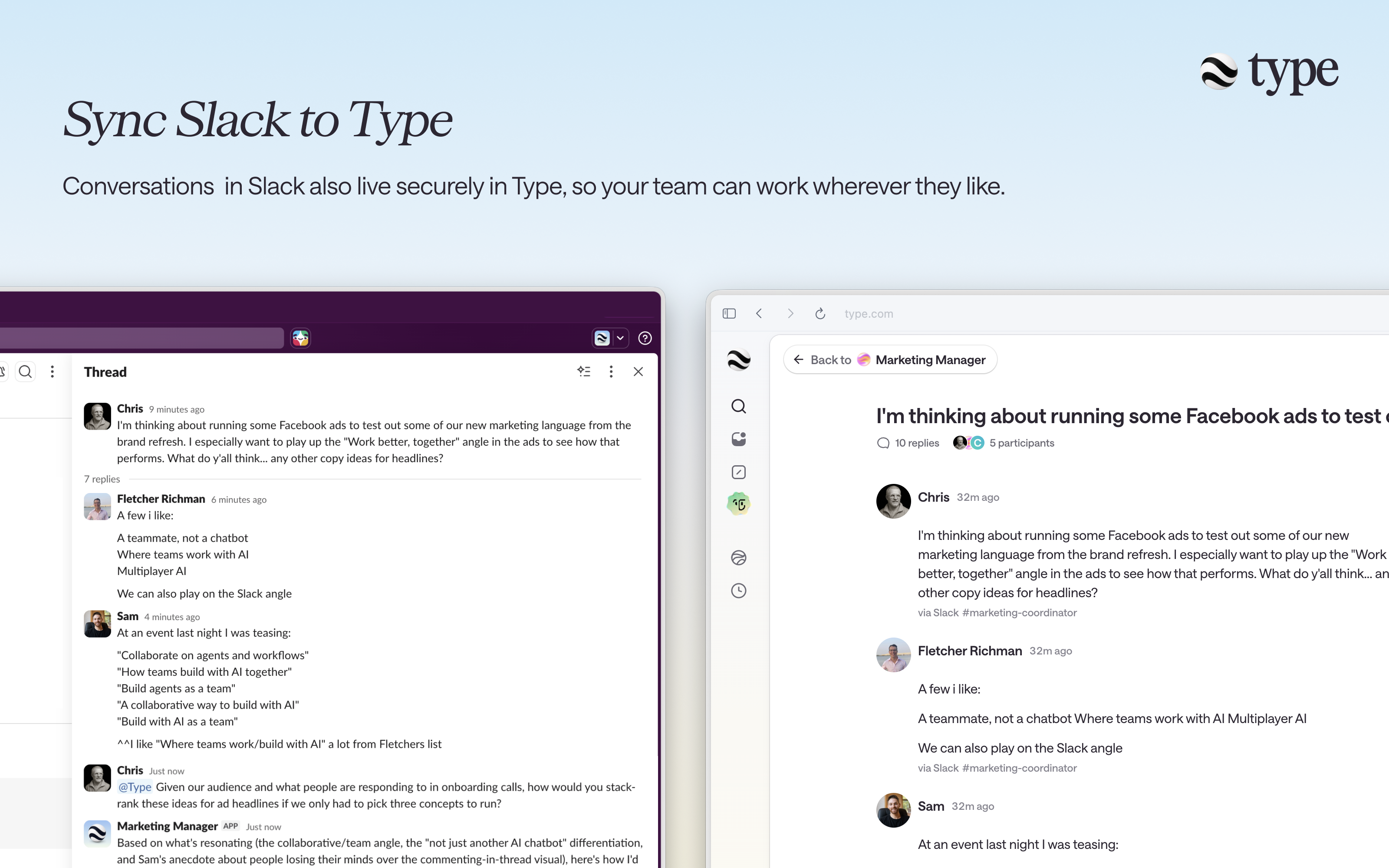
How it works
How do you use AI inside your Slack channels?
Connect a Slack channel to a type.com space, then @mention Type whenever you want a response.
- 01
Install
Select Add to Slack, sign in to type.com, and choose the Slack workspace your team uses.
- 02
Add Type to a channel
In Slack, add Type to the channel where you want to use it. When prompted, choose the type.com space you want that channel to connect to.
- 03
Use type.com in Slack
@mention Type in a connected channel message or thread reply. type.com replies in the Slack thread and syncs the conversation to the space.
What can type.com access in Slack?
Only the Slack channels and connections your team chooses. type.com follows the access and approval boundaries you set.
- type.com can only access the Slack channels you choose.
- New channel connections default to @mentions, so type.com does not respond to ordinary messages.
- Your space's skills, connections, and automations stay available to your team in Slack.
AI inside Slack for marketing, sales, and support teams
Add Type to Slack and bring your team's shared context into every channel and conversation.
type.com uses a large language model to generate responses, which may be inaccurate, incomplete, or misleading. Review and verify important information before relying on it or taking action.