Skills Library
Best Navattic AI skills for interactive demos
Three ready-to-run skills that keep your interactive demos accurate every time the product ships.
What are the best Navattic AI skills?
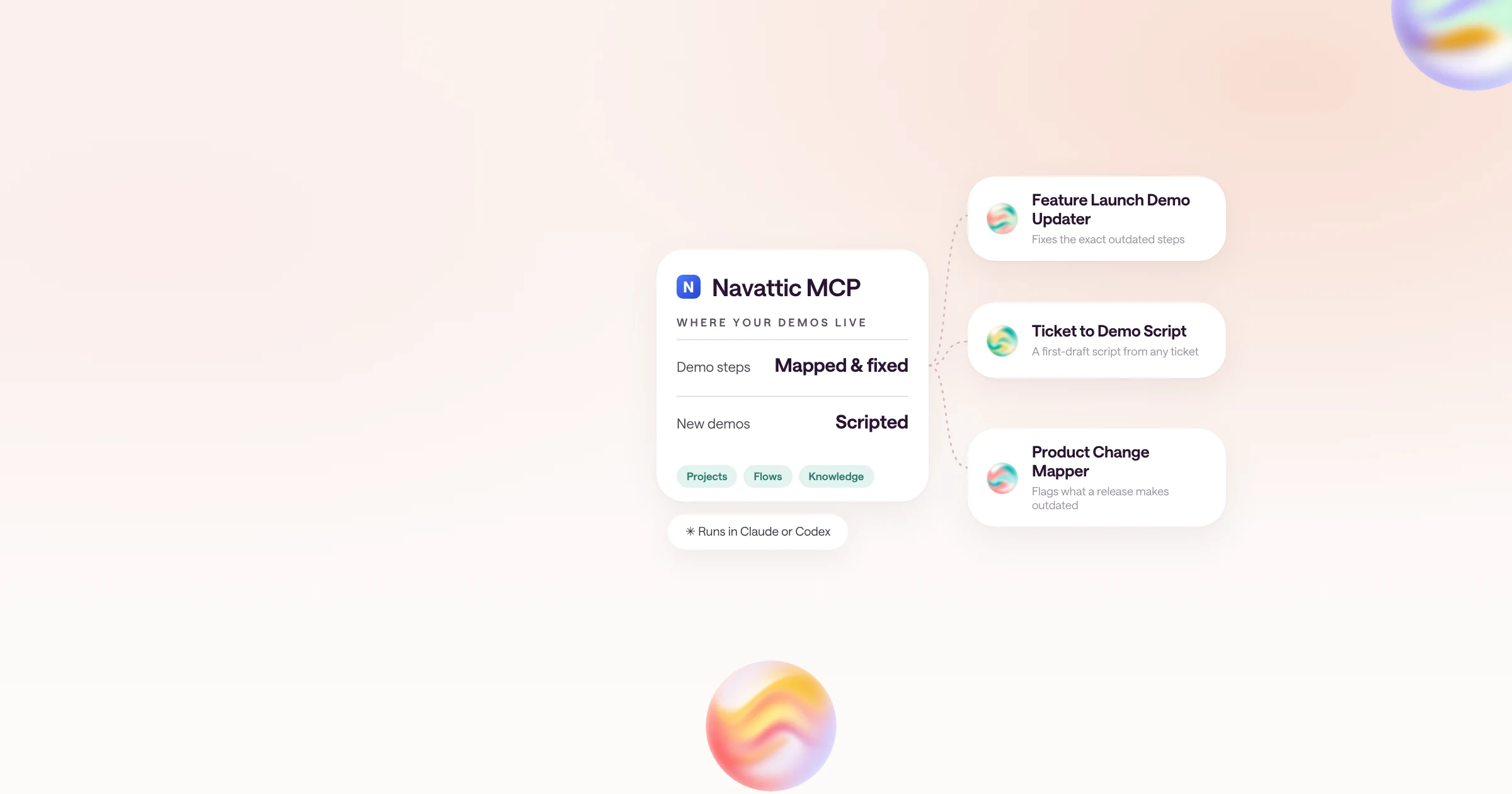
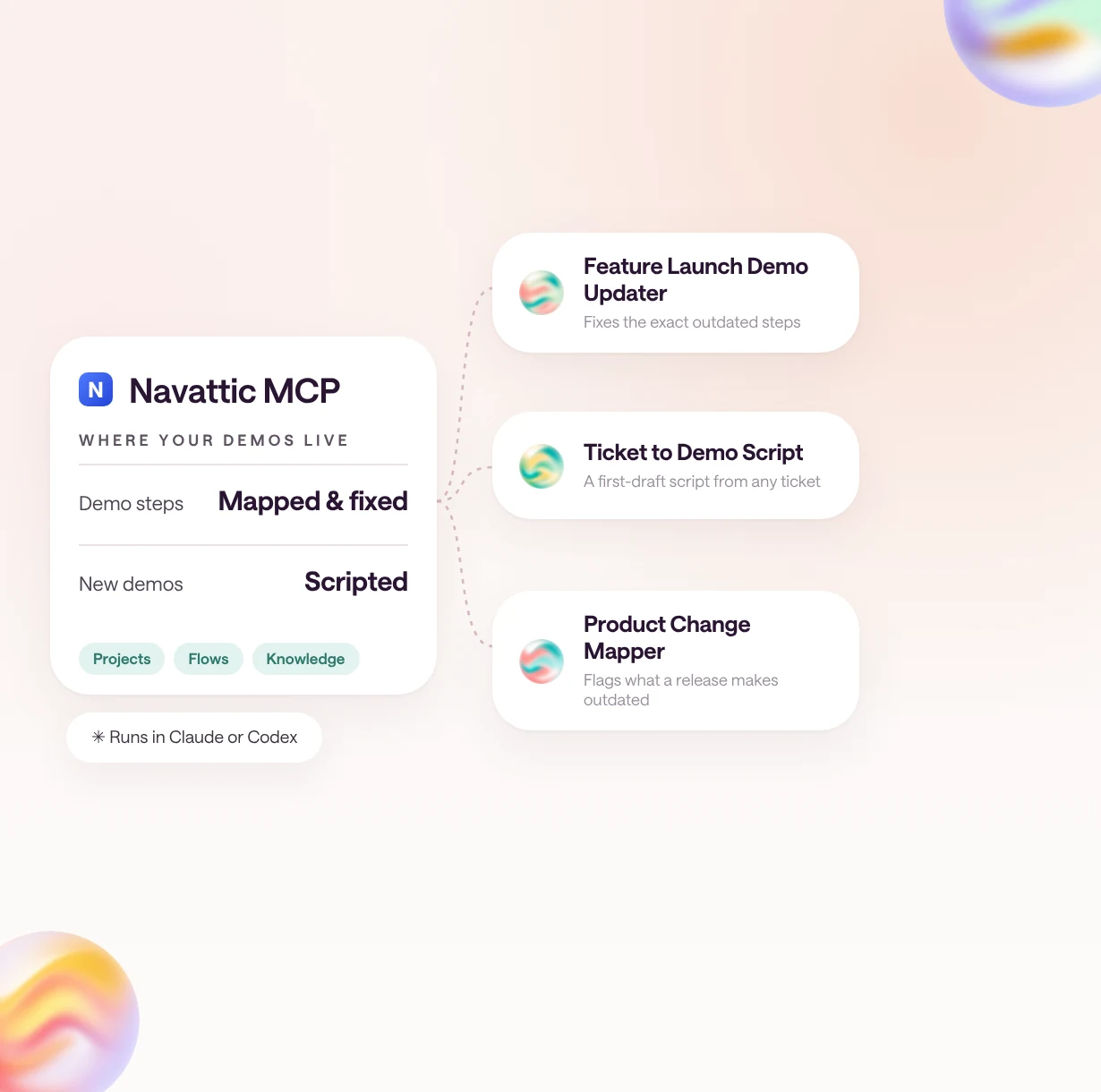
The best Navattic AI skills are Feature Launch Demo Updater, Ticket to Demo Script, and Product Change Mapper. Together they keep interactive demos accurate when the product changes and turn new releases into demo scripts.
Interactive demos go stale quietly. A button moves, a tab is renamed, and the demo on your website still shows last quarter's product. These three skills use the Navattic MCP to find what changed, fix the exact steps, and draft new demos from release notes.
All three come from Navattic's own MCP skills library and were picked by Natalie Marcotullio, Head of Growth and Product Marketing at Navattic.
Browse them in the type.com Skills Library, or see all 16 in Navattic's MCP skills library.
| Skill | Best for | What you get |
|---|---|---|
| Navattic Feature Launch Demo Updater | Product marketers and demo builders in the week a feature ships or changes | The exact demo steps that still show the old version, a drafted fix for each, and the edits applied once you confirm |
| Navattic Ticket to Demo Script | Product marketers and demo builders turning a new release into a demo | A step-by-step first-draft demo script for a builder to review and refine |
| Navattic Product Change Mapper | Demo owners checking the whole library before or after a release | Each affected demo and step, what is now outdated, and a confidence level for every finding |
Which Navattic skills should a product marketing team use?
The three skills follow a release: map what it breaks, fix the affected demo steps, and script a demo for what is new.
Product Change Mapper and Feature Launch Demo Updater are a pair: the first tells you which demos and steps a change affects, the second drafts and applies the fixes. Ticket to Demo Script works on its own whenever a new feature deserves its own demo.
How do you keep demos current on launch day?
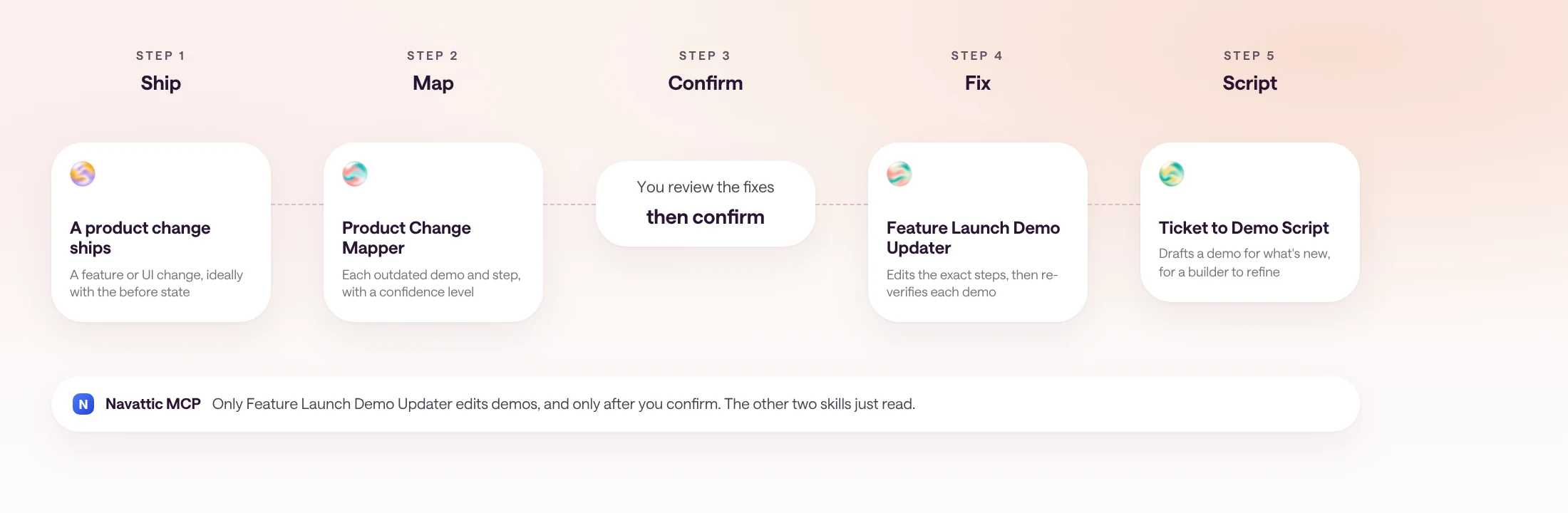
Run Product Change Mapper before the release, Feature Launch Demo Updater once it ships, and Ticket to Demo Script for anything new.
Demo upkeep usually happens weeks after a launch, when someone notices a screenshot is wrong. Running the skills on the release itself moves that work to the day it matters.
- 1
Map the change
Describe the change and what it looked like before. Product Change Mapper lists every affected demo and step with a confidence level.
- 2
Fix the steps
Feature Launch Demo Updater drafts a fix for each affected step. Review them, confirm, and it applies the edits and re-checks each demo.
- 3
Script the new demo
Give Ticket to Demo Script the ticket or changelog entry. A builder refines the draft into a new demo.
Example prompt
We're renaming Reports to Insights and moving Export into the Share menu on Nov 4. Which demos does that break?
How do teams run Navattic skills in type.com?
In type.com, a team connects the Navattic MCP to a shared Space, installs the skills once, and runs them whenever a release goes out.
Install the skills from the library into your marketing Space, and everyone who owns a demo gets the same checks and the same review step before anything changes. Ask in a thread when a release is planned, or run Product Change Mapper as part of your launch checklist.
Set up the MCP with Navattic's MCP setup guide, or browse every skill in the type.com Skills Library.
Frequently asked questions
What is Navattic?
Navattic is an interactive product demo platform. B2B teams use it to build click-through demos of their software for websites, sales follow-up, and product launches, and to see how buyers engage with them.
What is the Navattic MCP?
The Navattic MCP server connects Navattic to AI tools like Claude and ChatGPT, so an agent can read and edit demos, query analytics, and pull workspace knowledge without leaving the chat. It is available on Navattic's Startup plan and above. Some AI clients sign in with OAuth, and others use a Personal Access Token that a Navattic workspace admin creates.
Do I need a Navattic account to use these skills?
Yes. All three skills work through the Navattic MCP server, so you need a Navattic workspace on a plan that includes it. Feature Launch Demo Updater also needs permission to edit the demos you want it to update.
Will these skills change my demos on their own?
Only Feature Launch Demo Updater edits demos, and only after you confirm the drafted fixes. Product Change Mapper reports what is outdated, and Ticket to Demo Script drafts a script for a builder. Neither changes a demo.
Do these skills work outside type.com?
Yes. The skills are plain SKILL.md files, so they run in Claude Code, Codex, and other agents that read SKILL.md, as long as the agent is connected to the Navattic MCP server.
Who made these Navattic skills?
Navattic built them for its MCP skills library, which has 16 skills for building, refreshing, scripting, and reporting on demos. Natalie Marcotullio, Head of Growth and Product Marketing at Navattic, picked these three, and each type.com listing credits her and Navattic.